🧮 Volume Calculator




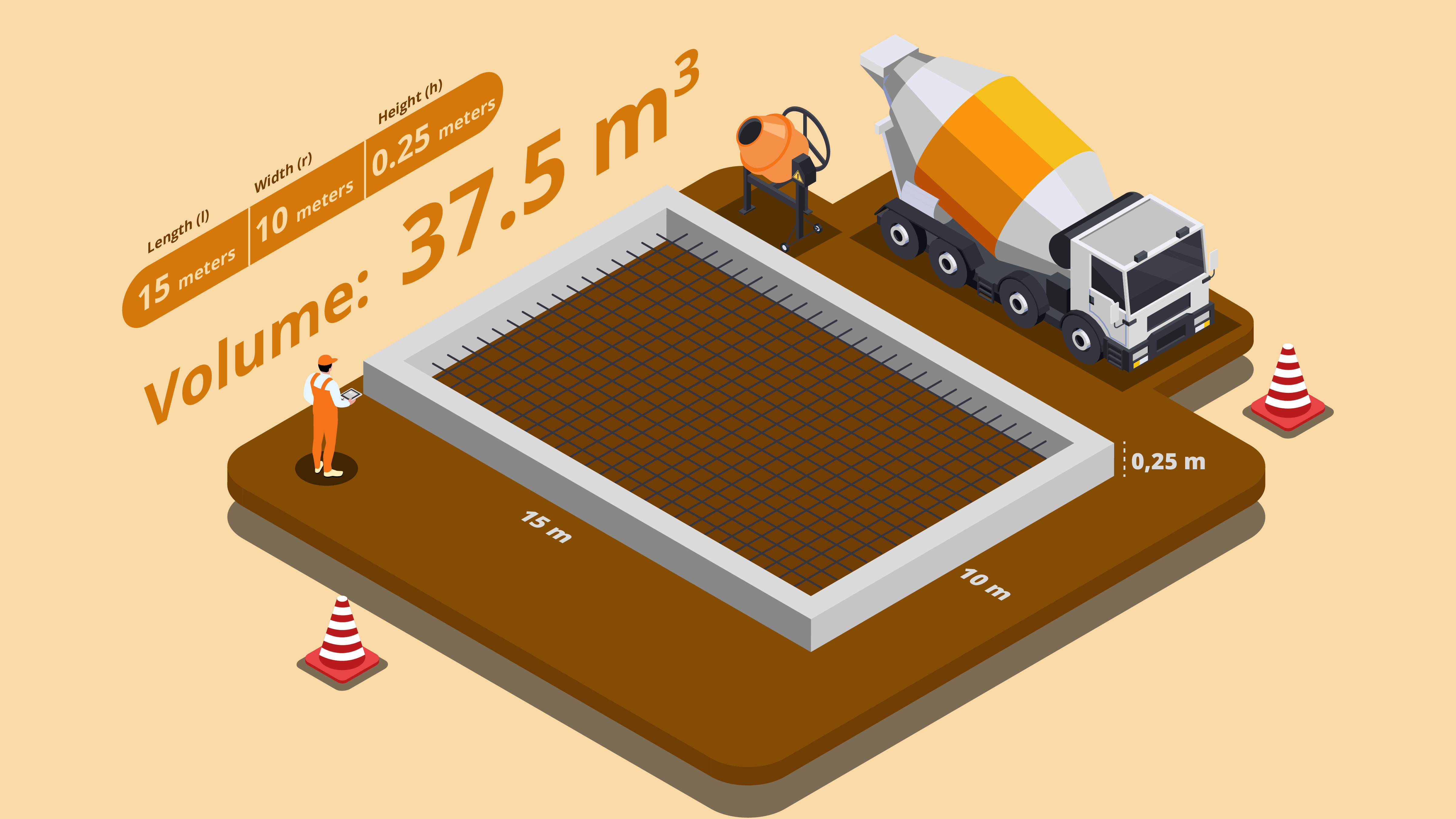
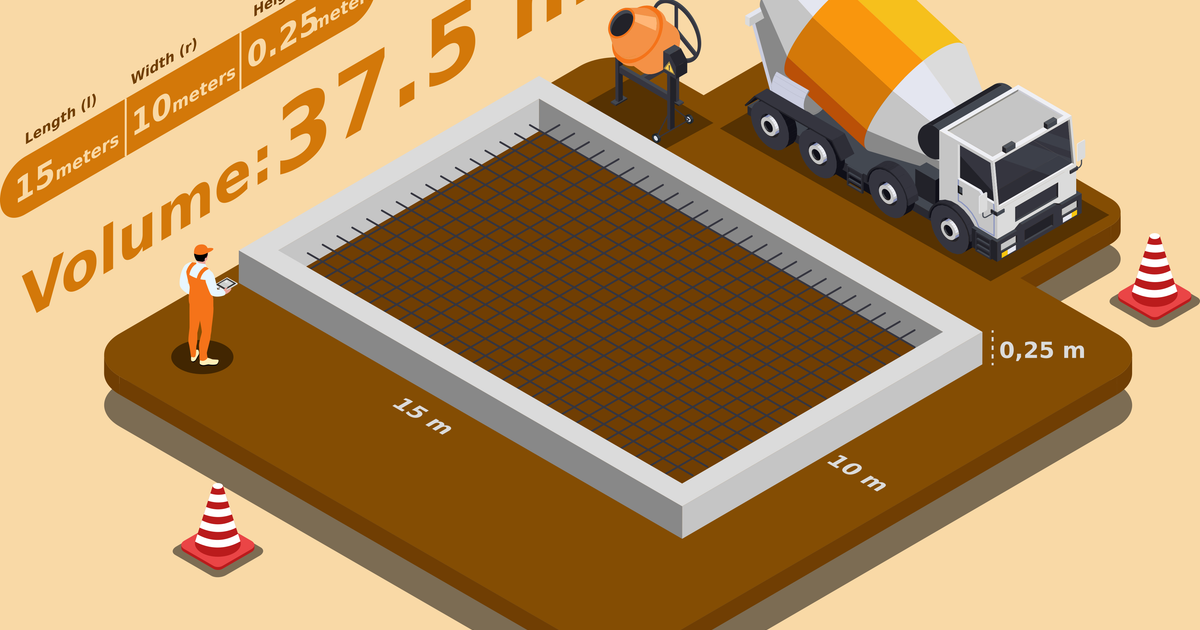
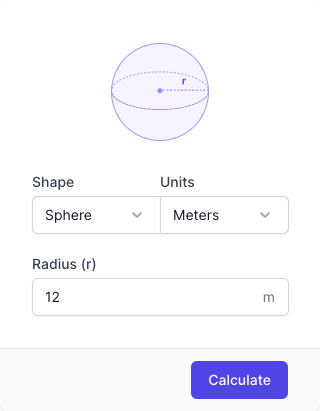









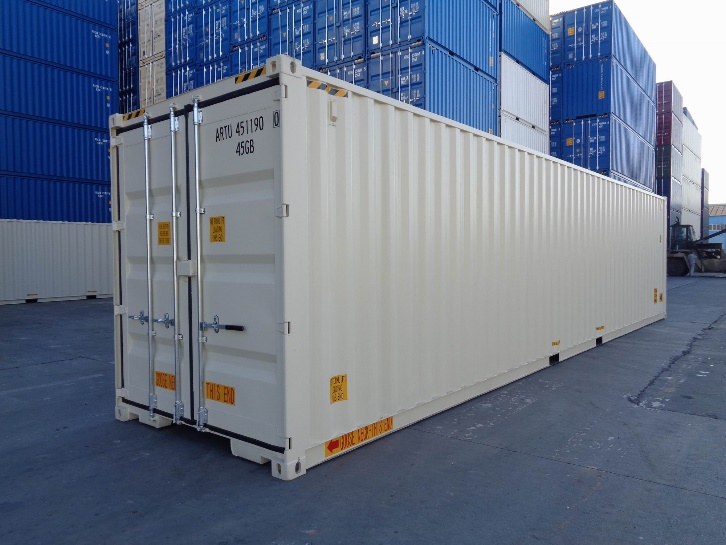
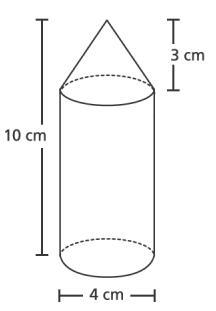


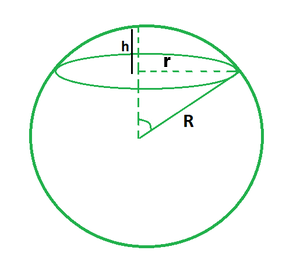










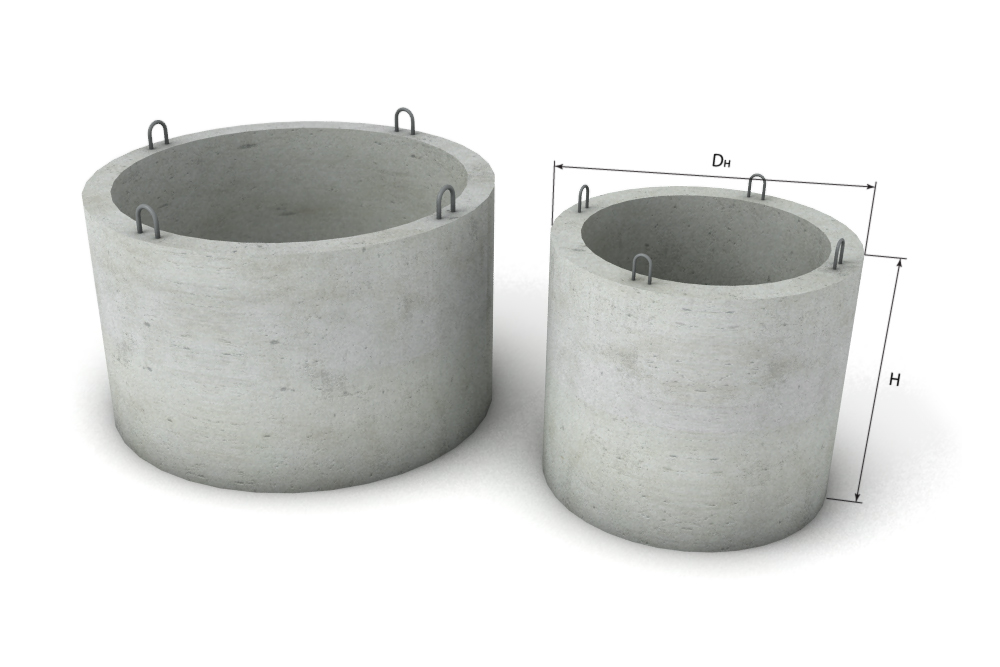


This tool helps you calculate Volume.
📅 Input Fields
1. Primary Input
- Enter the primary value for calculation.
- Example:
100
2. Secondary Input
- Enter the secondary value if required.
- Example:
50
🔵 Action
▶️ Calculate Button
- Click the "Calculate" button after entering all required information.
- The system will instantly display the result.
📊 Output Information
You will receive the calculated result in the appropriate format.
📝 Example Use Case
Enter your values and click calculate to get the result.
✅ Tips
-
This calculator is helpful for:
- Quick calculations
- Accurate results
- Easy-to-use interface